Rewind
Made a mistake? Hold the rewind button and the game runs backwards, up to ten seconds. It starts slowly, so you can let go at exactly the right moment, and a small indicator shows how far you have gone back.
 EmilDrive
Free and open source
EmilDrive emulates the Sega classic consoles (Mega Drive / Genesis, Mega CD, 32X and Master System) on your Mac, Windows PC, Linux computer and Android phone. Add the folders where your games live, or point it at a computer on your own network.
Version 1.4 · GPL-3.0-or-later · From the author of EmilNES · No games included: use games you own.
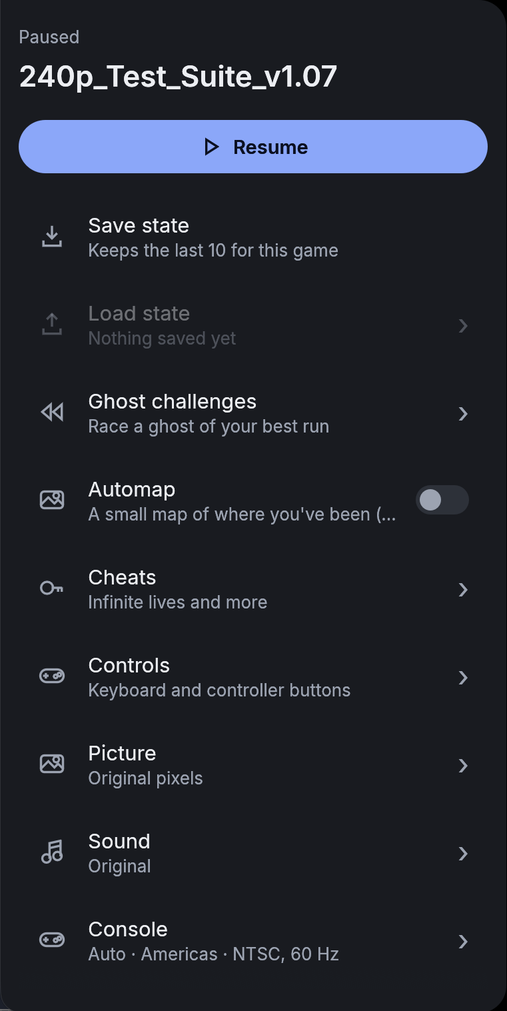
The things you reach for while you play are one tap away, and the extras stay out of your way until you want them.
Made a mistake? Hold the rewind button and the game runs backwards, up to ten seconds. It starts slowly, so you can let go at exactly the right moment, and a small indicator shows how far you have gone back.
Race a ghost of your own best run, in games with a course or a level. EmilDrive finds the start and the finish for you, records every attempt, and tells you how many frames faster or slower you were.
In games that scroll, EmilDrive draws a map of everywhere you have been, built from what the game showed. Open it at any time, zoom in and out, and see where you are and where your ghost is.
An upscaler that works layer by layer, so sprites and backgrounds are enlarged separately and edges stay sharp: Crisp 2x or Smooth 4x. It is still pixel art, only bigger and cleaner. Off until you turn it on.
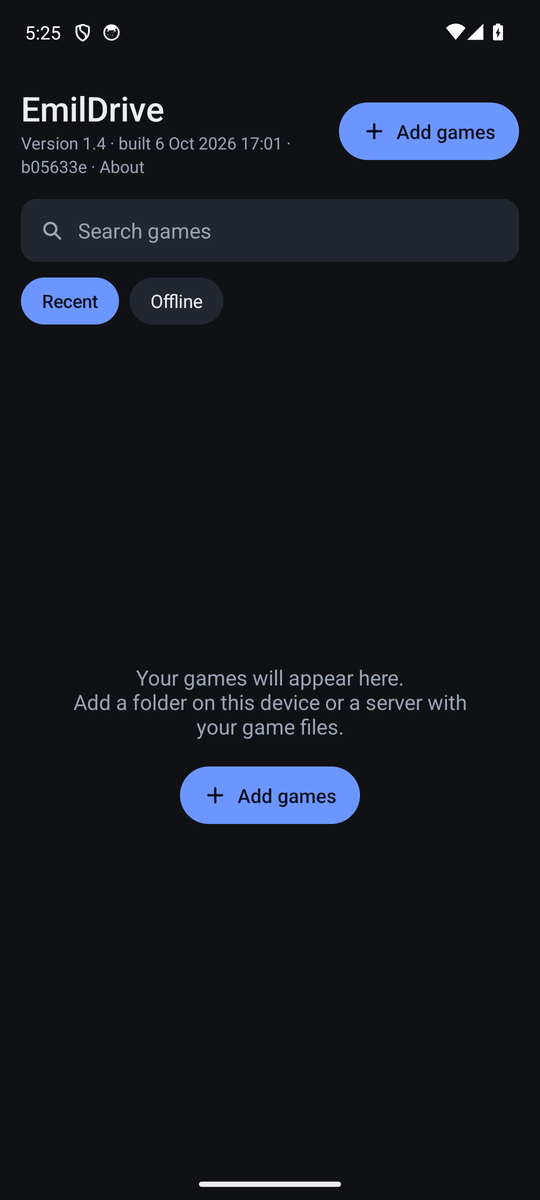
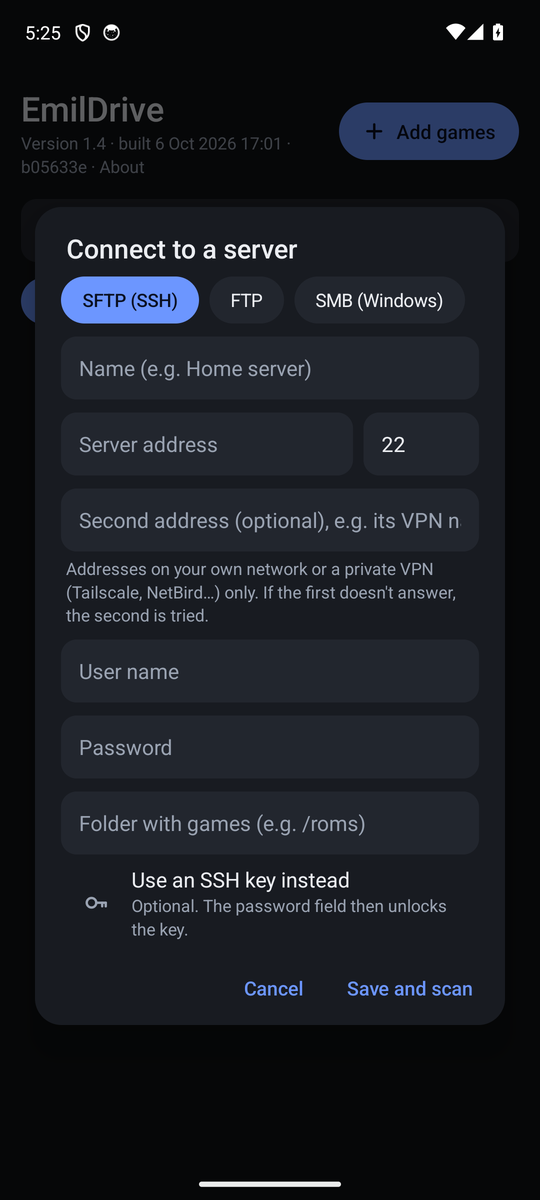
Add folders, or connect to a computer or NAS over SFTP, SMB or FTP. Every file is checked by what is inside it, so only real games show up, whatever they are called.
Give a server a second address, such as its Tailscale or NetBird name. EmilDrive tries the first and falls back to the second, with one library and one set of saves.
Save states that last between sessions, kept for every game, and the app remembers where you were when you come back.
Controllers take player 1 and 2 in the order you plug them in. Name them, change any button, even give one button two jobs. Touch controls on the phone.
Use the BIOS from your own console, or use BIOS HLE: EmilDrive reproduces what the BIOS does, so a disc can start without any BIOS file. Discs can even start while they are still downloading.
Cheat codes you can switch on and off while you play, and a recorder that saves the game's music and effects as a WAV file.
The soundtrack replayed with sampled real instruments, while the sound effects stay original. Off by default; the original sound is what you get unless you choose it.
Mac, Windows, Linux and Android share the same features and the same settings, so what you learn on one works on the others.
Emulated from scratch in Rust: several times faster than real time on a computer from 2012, so older machines and phones keep up.
Pick your system. The same version, the same features, everywhere.
brew tap igiamai/emildrive https://gitlab.com/igiamai/emildrive-dist.git
brew install --cask emildriveOne app for Apple silicon and Intel Macs. Open the image and drag EmilDrive to Applications.
scoop bucket add emildrive https://gitlab.com/igiamai/emildrive-dist.git
scoop install emildriveDownload EmilDrive-1.4-windows-x64.zip
Unzip it anywhere and run emildrive.exe. Nothing else to install. Windows 10 or later, 64-bit.
sudo snap install emildrive
sudo add-apt-repository ppa:igiamai/emilators
sudo apt update
sudo apt install emildriveEvery file has a SHA-256 checksum on the releases page. All downloads are on gitlab.com/igiamai/emildrive-dist.
Estimated share of games that are playable.
Based on automated tests of 498 games and discs.
Test ROMs and open processor test suites, with the results they report.
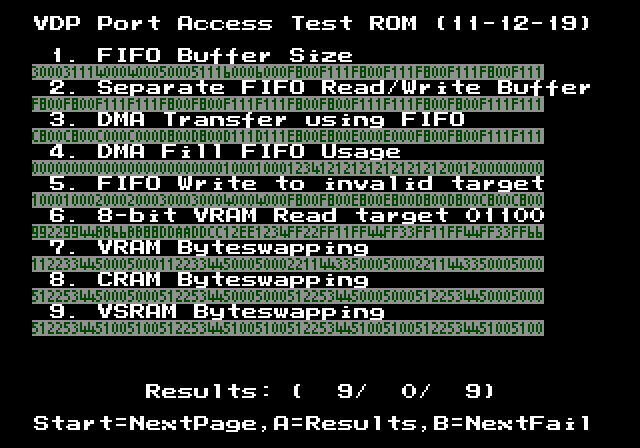
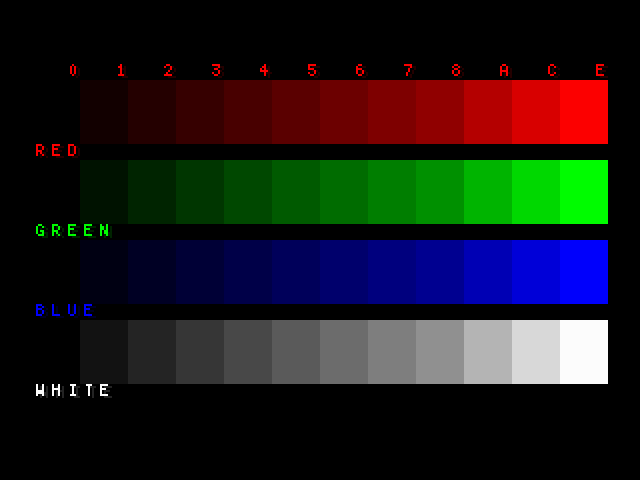
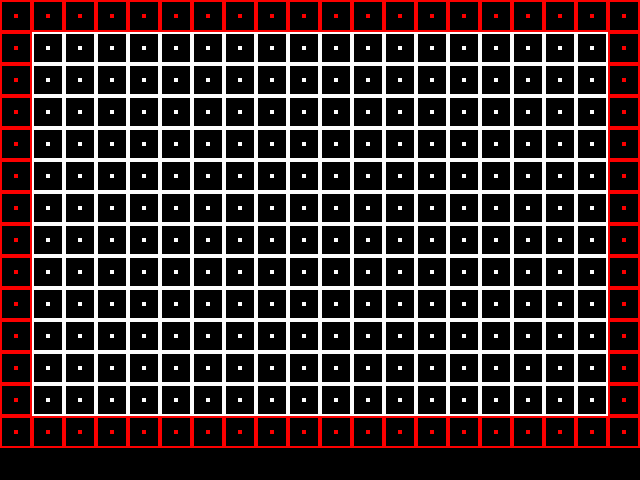

EmilDrive includes no games and no console BIOS files, and it does not fetch any. It only connects to servers you add, and only on your own network or a private VPN such as Tailscale or NetBird.
Server passwords go to your computer's own credential store (Keychain, Credential Manager, Secret Service) or, on Android, to the secure Keystore. SFTP servers are recognised by their key.
No. Use the BIOS from your own console if you have one, or use BIOS HLE: EmilDrive reproduces what the BIOS does, in its own code (high-level emulation), so no BIOS file is needed and none is included. It covers what games use.
EmilDrive does not provide games. Use games you own, for example dumped from your own cartridges and discs. Put them in a folder on your device, or on a computer or NAS you add as a server.
Most USB and Bluetooth controllers work as soon as they are connected, with 3-button and 6-button pads, two players, and buttons you can change. The Master System uses its own two-button layout. On the phone there are on-screen touch controls.
Yes. EmilDrive is free software under the GNU General Public License, version 3 or later: you can use it, study it, change it and share it. The source code is on Launchpad.
EmilDrive is not yet signed with the paid certificates Apple and Microsoft use. The warnings are about that, not about what the program does. Compare the SHA-256 checksum from the releases page if you want to be sure the file is the one that was published.
Very likely. Mega Drive, Mega CD and Master System games run several times faster than real time on a computer from 2012, and the 32X games tested reach full speed there too.